

Top course
 Created by DI TCHNICAL
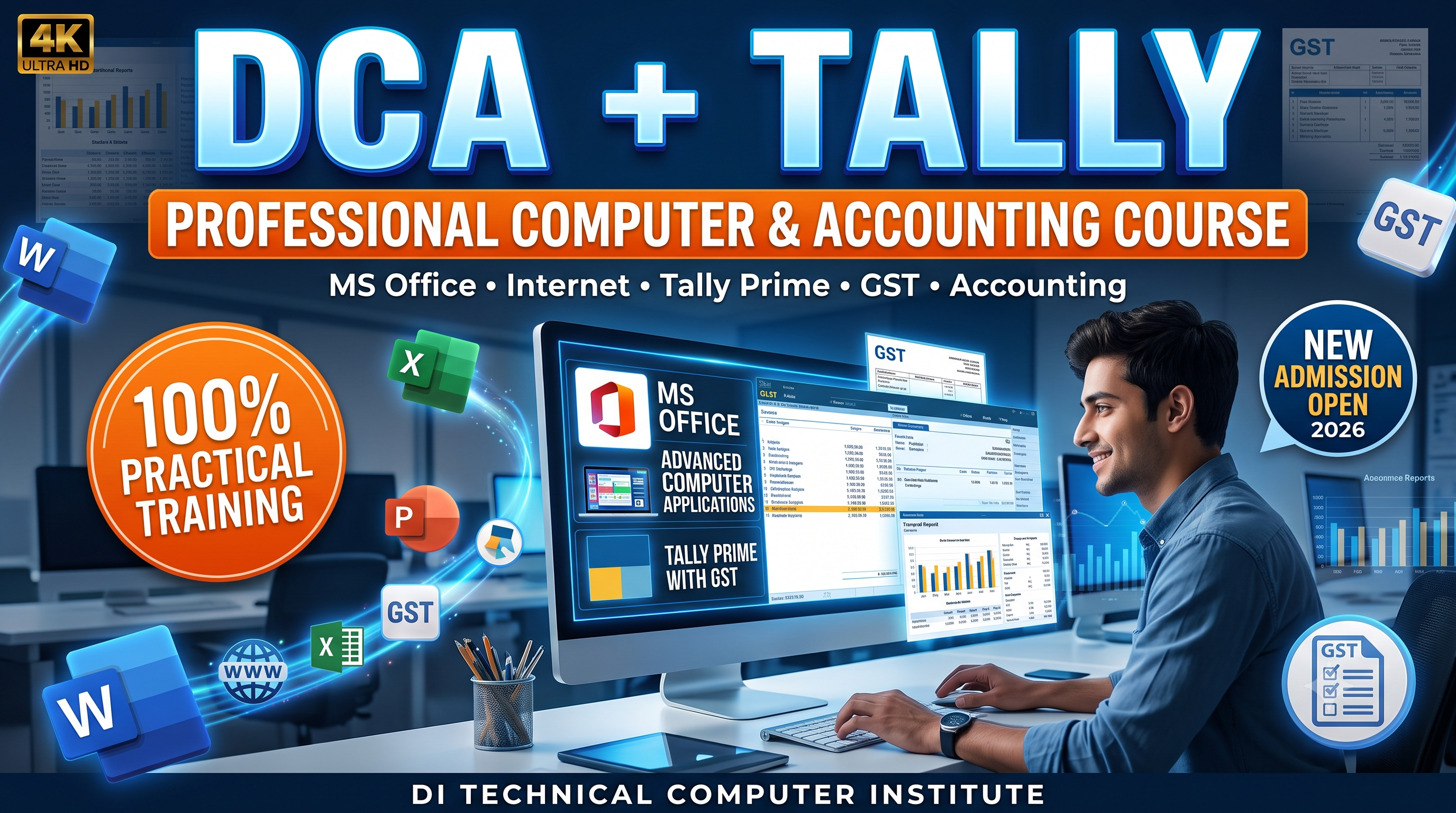
(DCA+TALLY) Diploma in Computer Application & Financial Accounting (6M).
Now Offline Available Only
- 5
-
- (80 Reviews)
- 556 Students enrolled
-
Last updated
Sat, 08-August-2026
- Hindi & English
- Beginners to Advance
₹6000
₹6000
Get Discount 33 % off
5 hours left for this price
₹6000
₹6000
Buy now
This course includes:
0 hr 0 min On demand videos
0 Lessons
Full time access
Access on mobile, Tablet and tv
What you will learn ?
- DCA
- Fundamental of Computer Application
- Introduction to Computer
- History and Generation
- Computer Devices
- Paint
- Notepad
- WordPad
- MS-Windows
- MS- Office Package
- MS-Word
- MS-Excel
- MS- PowerPoint
- MS- Access
- MS-Dos
- Internet
2. Tally
- Fundamental of Accounting
- what is Tally?
- What is Accounting
- What is Book Keeping
- What is Computerize Financial
- Tearms of Accounting
- Ledger and Groups
- Company Creating with Full Information
- Practice in Tally Related to Accounting
- Types of Account
- Golden Rules
- Journal Entries
- Practice in Tally Software Relating to Accounting with Adjustment
- Types of Voucher
- Transaction with Registered Person
- Transaction with Consumer
- Real Billing Invoice Generating with GST
- Details About GST
Get certificate of completion

Jobs that require this skill:
- All Government Job Covered
- Private Job Covered
- Data Entry Job
- Front Office Job
- Back Office Job
- Any types Of Documents Creator
- Billing Deisgn
- Billing Work
- Project Planing
- Personal Work
- Cafe Work
Course content
0 Lessons
•
0 hr 0 min
Collapse all sections
Requirements
- One PC/ Laptop
- Installed MS-Office Package
- Installed Tally Letest version
Course description
Students Facilities: -
- Online Registration
- Offline Registration
- Login ID Password
- ID Card
- Weekly Group Discussion
- Monthly Test
- Every Month Final Exam
- Online Study Material
- Offline Study Material
- Online/ offline Certificate Download
- Offline/ online Marksheet Download
- Online Certificate Verification
- All Working Mode Education
- 100% Job Oriented Course
0 Video
Lessons
Get instant & lifetime access
This course contains pre-recorded videos that can be watched anytime
How to buy this course:
STEP 1: Click on BUY NOW button
STEP 2: Register yourself by filling basic details
STEP 3: Make payment via credit card, debit card, UPI Pay TM or other payment wallets
STEP 4: Get instant access and unlock the course
How to access the course:
STEP 1: Login to your account
STEP 2: Click MY COURSES section and view your course
STEP 3: Click videos to begin